
WhatsApp Business API for developers
Connect conversations to your app
Build on a ready WhatsApp connection with text, approved templates and signed events. Portal setup and Meta business verification come first.
Why Integrate with Notify Africa’s WhatsApp API?
Connect your own server-side workflows to the WhatsApp account managed in your Notify Africa Portal.
Build with familiar tools
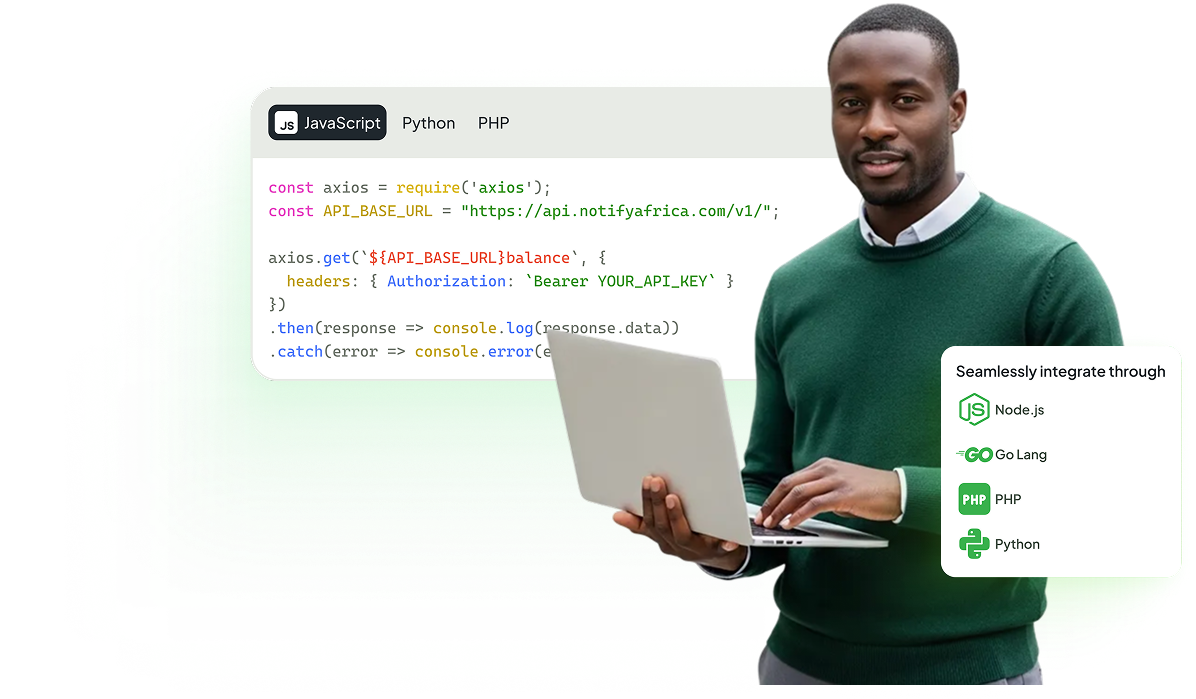
Use HTTP requests from your server. Your WABA-authorized key identifies the connected business account.
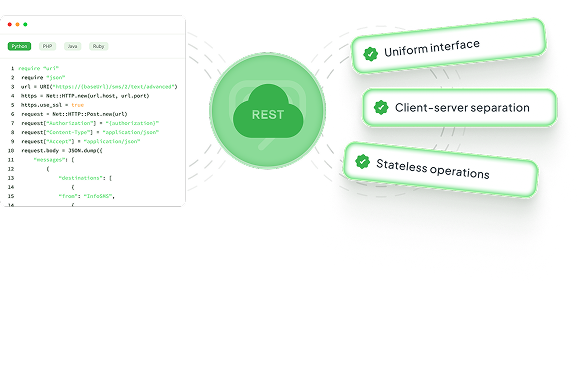
Connect your workflows
Reply to customer conversations or send an approved template for an update outside the service window.
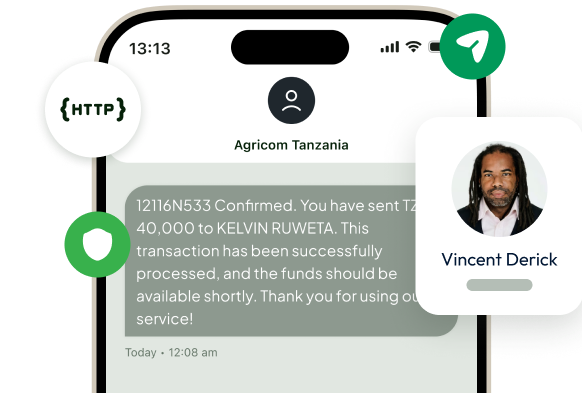
Keep the boundary secure
Keep credentials on your server and verify signed events before processing them in your application.
Ready to integrate our WhatsApp API with your system?
Create your account
WhatsApp API Features
Build around verified account setup, approved messaging and signed events.
Server-side authentication
Use a WABA-authorized Bearer key created in the Portal. Never ship it in client-side code.
Text messaging
Send freeform text when a customer has opened a 24-hour service window.
Template messages
Use POST /v1/waba-api/messages/template with an approved template and its matching parameters.
Portal-first onboarding
Complete Portal setup and Meta business verification before integrating a ready WhatsApp connection.
Signed webhook events
Subscribe in the Portal to message.received, message.status.updated and template.status.updated.
Asynchronous delivery
Treat a queued send as asynchronous. Check every recipient result and follow delivery events.
WhatsApp API Use Cases in Tanzania
Bring customer conversations and service updates into your existing systems.
Customer support
Connect inbound conversations to your support workflow and reply while the customer-service window is open.
Transactional updates
Send approved template messages for order and service updates from your backend.
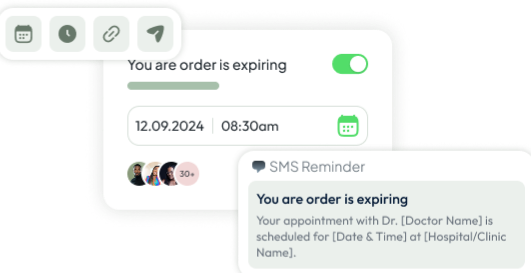
Appointment reminders
Integrate approved reminder templates with your appointment system and process status events.
How to Integrate Notify Africa’s
WhatsApp API
Complete setup first. This example text request requires an open 24-hour service window; replace the recipient and use your server-side WABA API key.
Prepare your account
Set up WhatsApp in the Notify Africa Portal, complete Meta verification and resolve connection-readiness blockers.
Create an API key
Create a key with WABA access. Store it securely on your server.
Prepare a template
Submit a template and wait for approval before a template send.
Send your first message
Use an approved template, or freeform text within an open service window. The example shows the text request shape.
Handle signed events
Configure your HTTPS callback in the Portal, verify signatures and process events idempotently.
curl --request POST \
  'https://api.notify.africa/v1/waba-api/messages/text' \
  --header "Authorization: Bearer $NOTIFY_WABA_API_KEY" \
  --header 'Content-Type: application/json' \
  --data '{
    "idempotency_key": "support-update-1001",
    "text": "Your support request has been updated.",
    "to": ["255700000001"]
  }'
FAQs on WhatsApp API in Tanzania
Setup, messaging windows, security and integration support.
Create your account, complete Portal setup and Meta business verification, and ensure your WhatsApp connection is ready before using a WABA-authorized API key.
Freeform text is for an open 24-hour customer-service window. Outside that window, send an approved template instead.
Create an HTTPS callback in the Portal. Verify its timestamp and HMAC-SHA256 signature against the raw request body using your signing secret before processing an event. Handle duplicate events safely.
Use raw HTTP for this integration. The SMS SDKs are not WhatsApp SDKs; follow the WhatsApp API reference for request bodies.
No. An accepted request is processed asynchronously. Inspect each recipient result and use signed status events to follow delivery.
Use the SMS developer page for SMS integration, the WhatsApp marketing page for campaigns and chatbot features, or contact our team for integration support.
Start building with a ready WhatsApp connection.
Create your Notify Africa account, complete Portal setup and Meta business verification, then follow the WhatsApp API documentation. Contact our team if you need help getting ready.
WhatsApp API insights for Developers
Read about WhatsApp integration, templates and customer messaging.
More articles are coming soon. Browse all our latest guides and insights.
A solution by iPF Softwares, an ISO 27001:2022 certified software development company.